
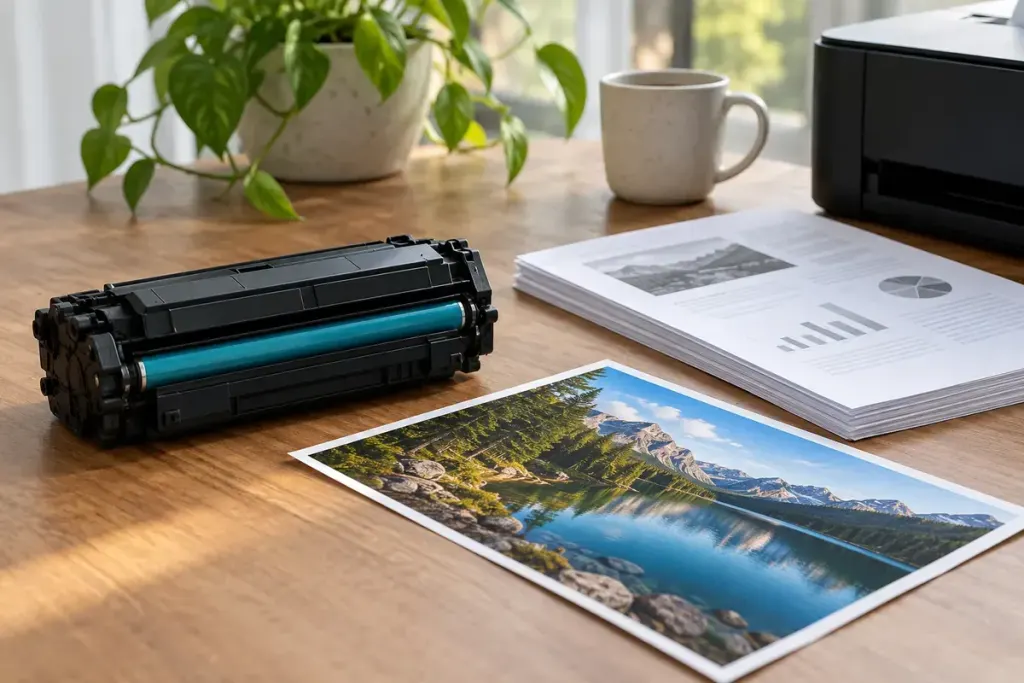
A cartridge labelled for thousands of pages can run out sooner than expected when most of your printing consists of dense images. The advertised yield is a comparison figure measured under stated conditions, not a counter promising that every possible page consumes the same amount.
HP’s explanation of toner cartridge yield describes ISO-based testing and notes that actual results vary with page content, job size and other conditions. Use the test basis and compatible printer model when comparing products.
Calculate a reference cost, then label it honestly
As an invented example, a cartridge priced at 60 currency units with a declared yield of 2,000 pages has a reference cartridge cost of 0.03 units per declared page. That calculation excludes paper, other consumables and any difference between the test and your real use.
It is useful for comparing compatible cartridges on a similar basis. It is not a guarantee that printing a full-page photograph will cost the same as a short letter, or that a colour print uses only one cartridge.
Notice the work your printer actually does
Keep a simple record of the cartridge installed, date, approximate page count if available and the kind of jobs printed. Distinguish routine text, colour documents and image-heavy work. Avoid concluding that a cartridge is defective from a comparison with a very different workload.
Also check whether the item is a standard, high-yield or starter cartridge. A larger box or familiar product family name does not establish the capacity. Confirm the exact part number against the printer’s supported supplies.
When a yield estimate is central to a purchase, read the manufacturer’s explanation rather than relying only on a retailer’s headline number. Your own records can then help with restocking and budgeting. They turn “this seemed to run out quickly” into a more useful description of what was printed and which supply was used.